

Help Center / VirtualText / Apps / Use the mobile app
Apps
Use the VirtualText mobile app
On your phone, type in use.virtualtext.app into your browser. Upon signed in, you will see a request to ‘Install VirtualText’. When confirmed, the app will begin to download
On this page
How to download App
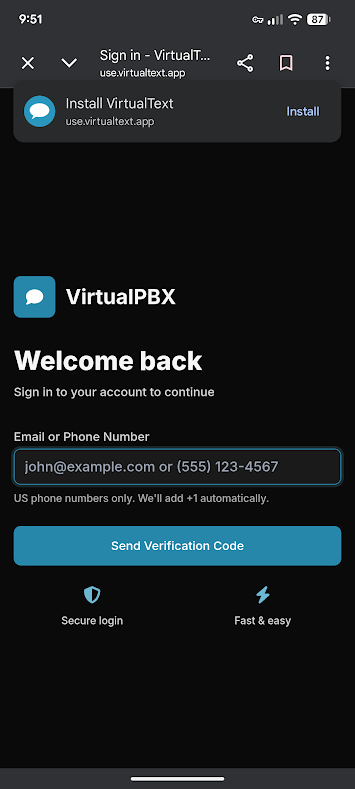
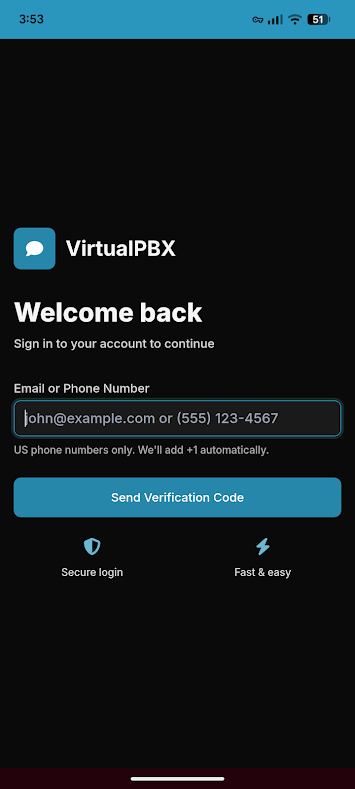
Once downloaded, log in to the application with your associated email or phone number
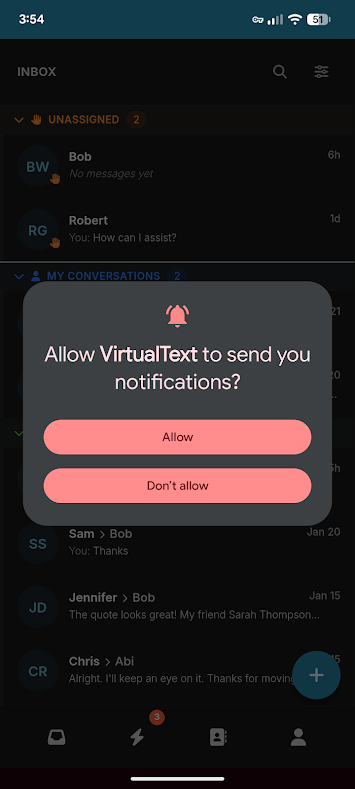
Once logged in, VirtualText will ask to send you notifications. Allow or Deny through the pop-up request
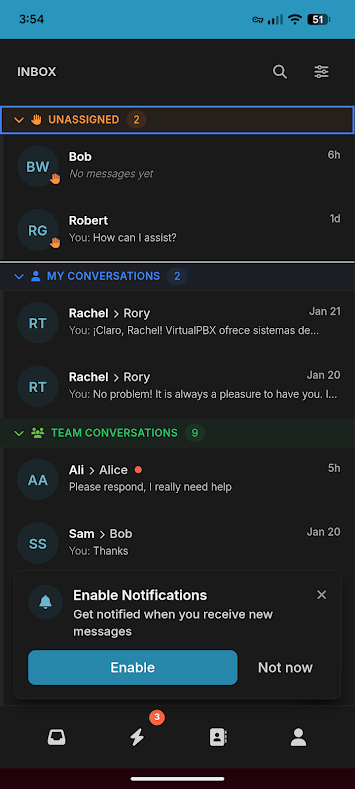
Once logged in, you are ready to send and receive conversations through your mobile device