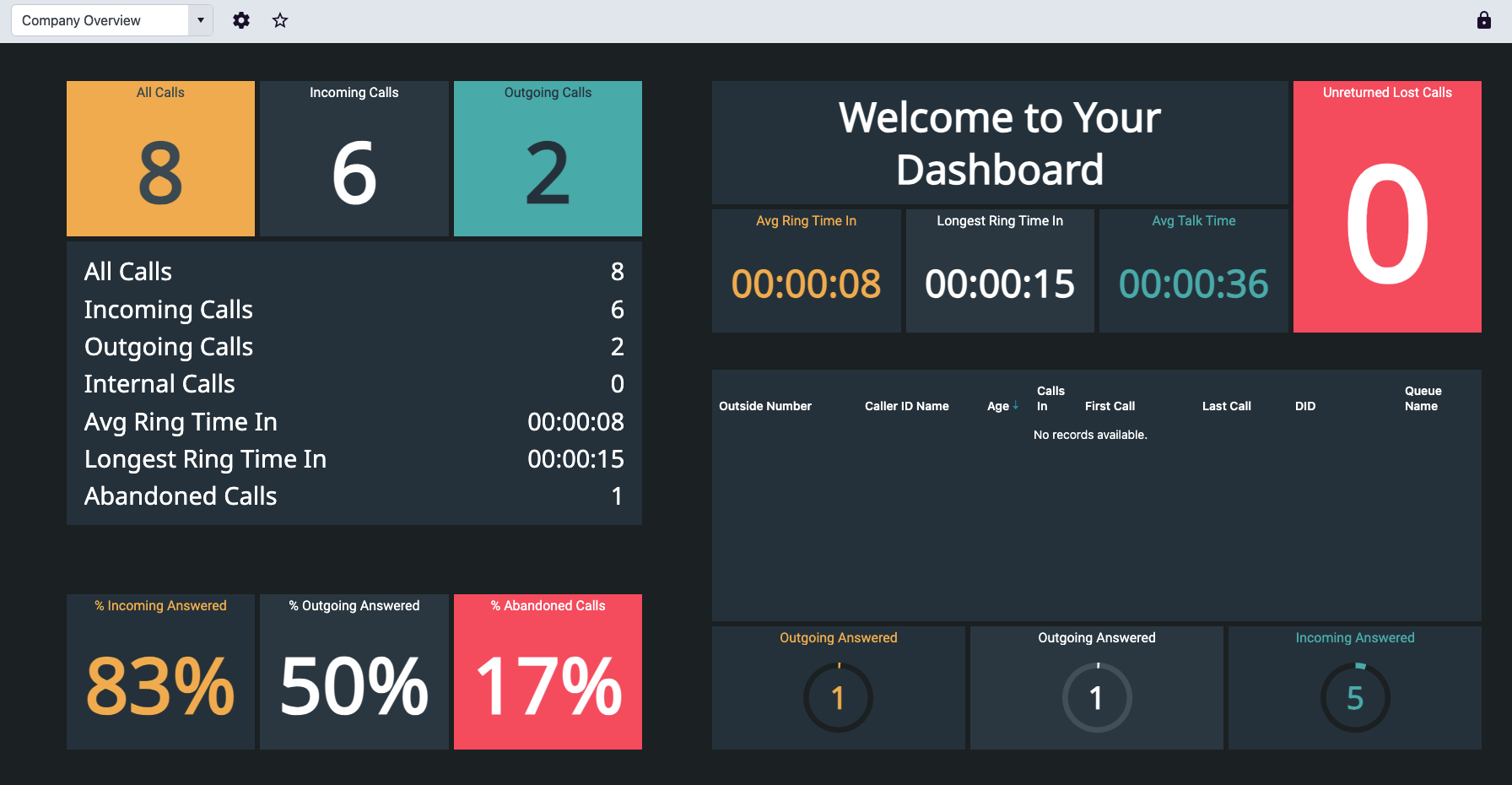
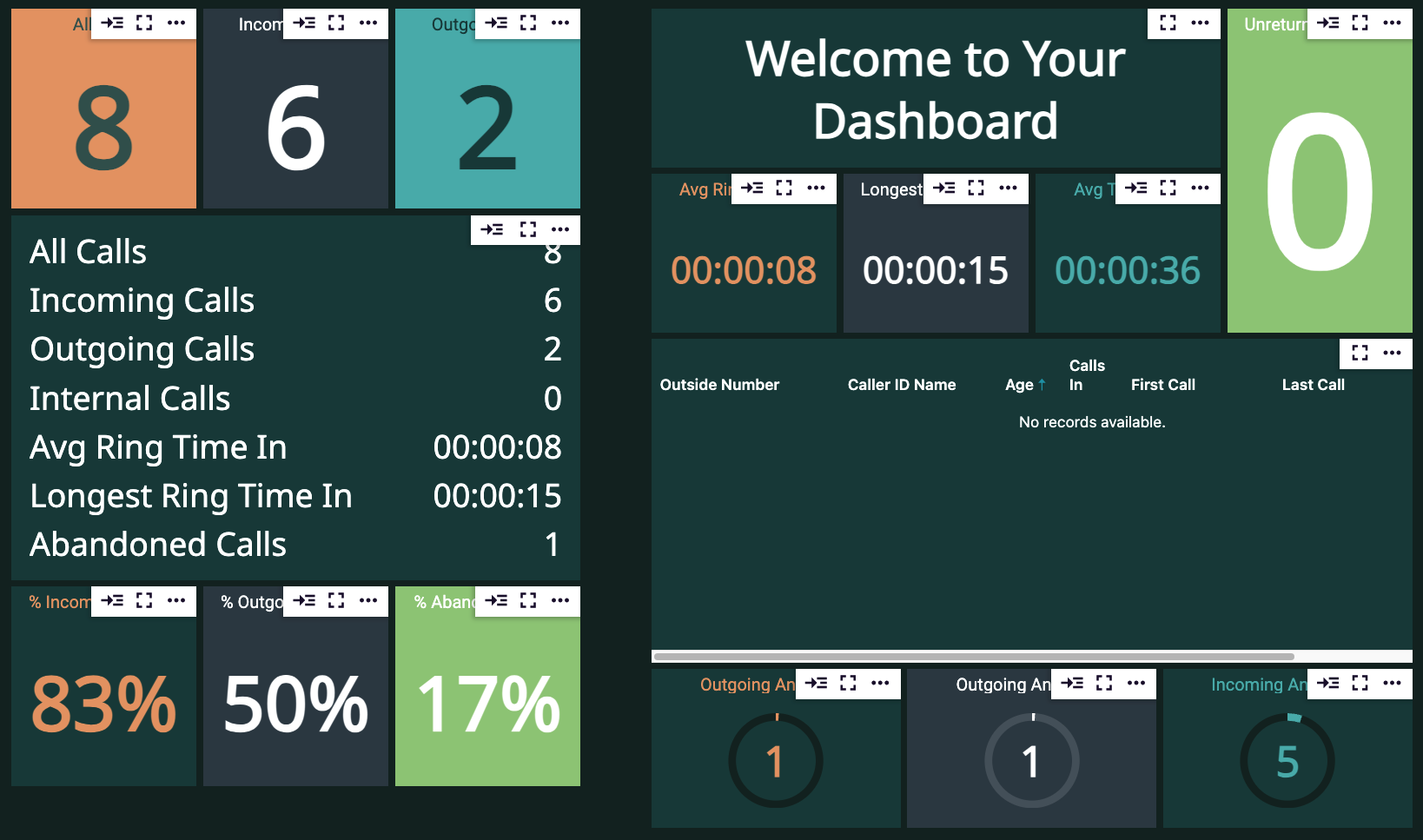
 ### All Calls - Single Stat Tile
 This tile tracks all of your incoming and outgoing calls.
### Incoming Calls
This tile tracks all of your incoming and outgoing calls.
### Incoming Calls
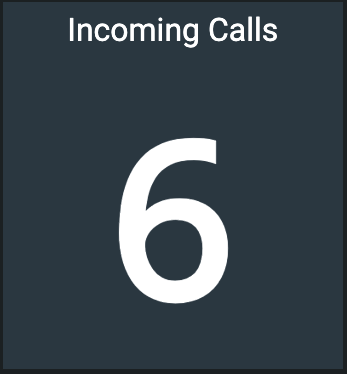 This tile allows you to track all inbound calls made to any of the numbers on your account.
### Outgoing Calls
This tile allows you to track all inbound calls made to any of the numbers on your account.
### Outgoing Calls
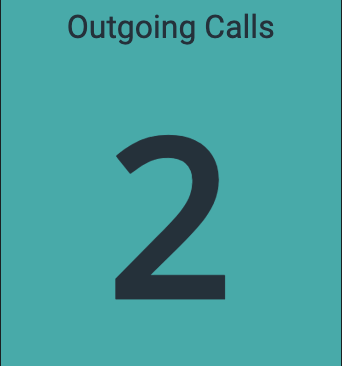 Track all calls made from your account with this single stat tile.
### Multi-Stat List for Tracking Calls
Track all calls made from your account with this single stat tile.
### Multi-Stat List for Tracking Calls
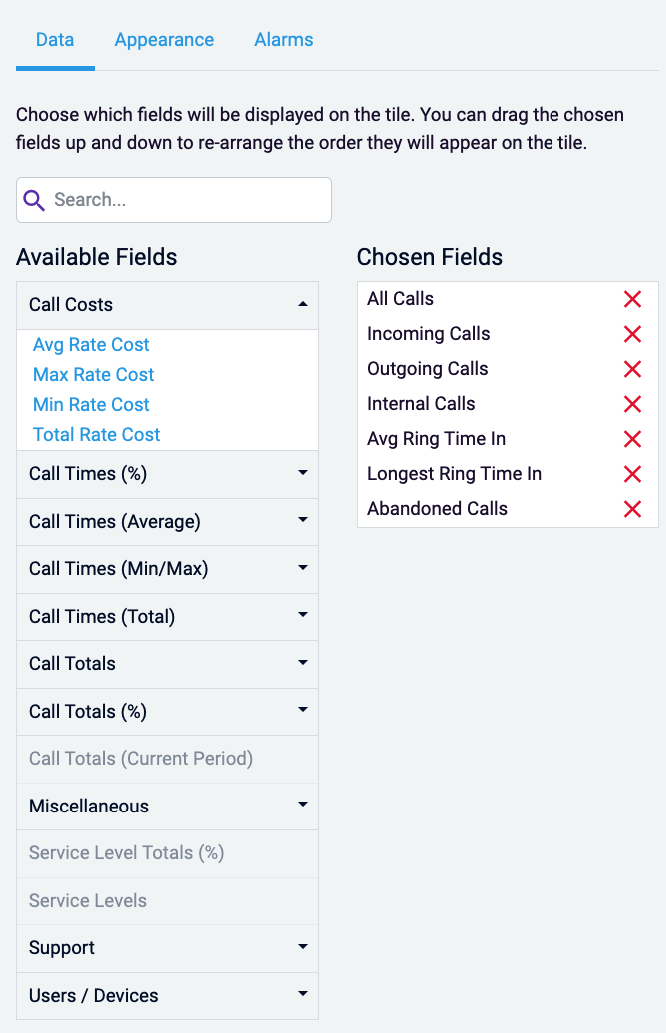
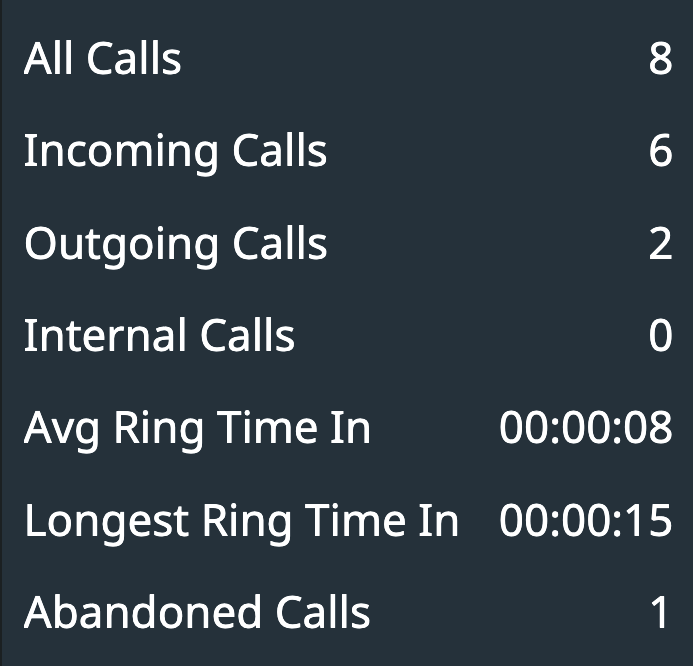 This tile allows you to track multiple statistics at once. While your default template will include the attached fields, you and add others by editing the data
 ### Incoming, Outgoing, and Abandoned Call Percentages
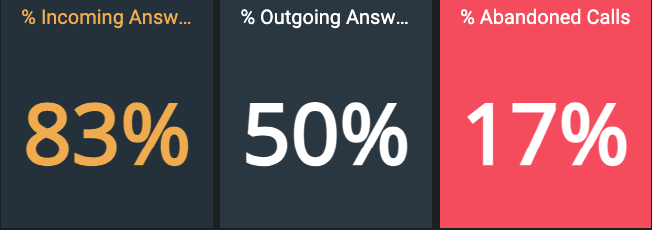 All three tiles are single stat, and allow you to view as a percentage what is happening to your calls
### Manual Text Tile
All three tiles are single stat, and allow you to view as a percentage what is happening to your calls
### Manual Text Tile
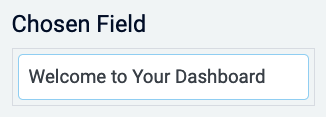
 Utilize this tile to add a specific static greeting to your dashboard. Edit the chosen field to change the text to your business name, greeting, sales goal, etc.
 ### Unreturned Lost Calls
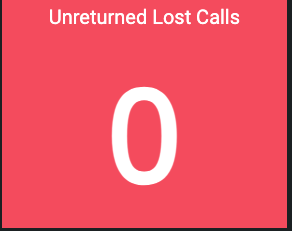 Track if agents have not returned any missed calls with this single stat tile
### Average Ring Time In
Track if agents have not returned any missed calls with this single stat tile
### Average Ring Time In
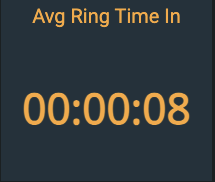 Track how long on average customers spent in ring time before their call was answered
### Longest Ring Time
Track how long on average customers spent in ring time before their call was answered
### Longest Ring Time
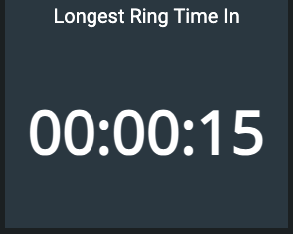 Track the longest time a customer spent ringing before their call was answered
### Average Talk Time
Track the longest time a customer spent ringing before their call was answered
### Average Talk Time
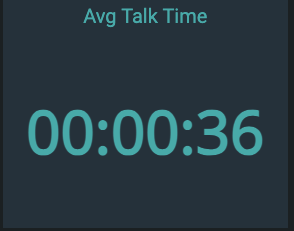 Track the average amount of time calls during the day took, including inbound and outbound
### Unreturned Call Grid
Track the average amount of time calls during the day took, including inbound and outbound
### Unreturned Call Grid
 Use a grid tile to track if any calls have gone unreturned for the business day
### Outgoing and Incoming Answered
Use a grid tile to track if any calls have gone unreturned for the business day
### Outgoing and Incoming Answered
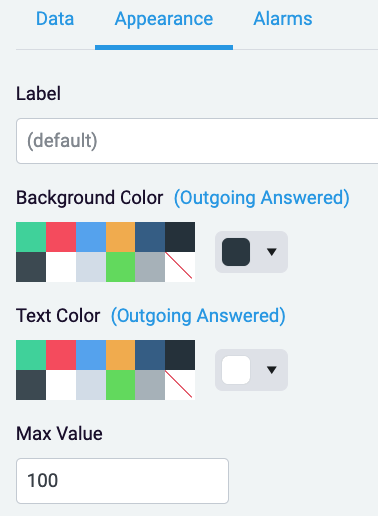
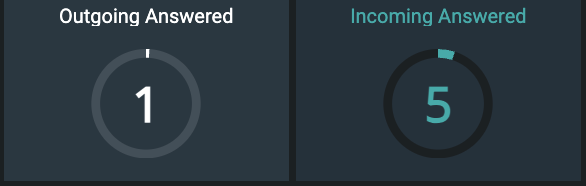 Utilize a circular gauge to track the amount of outgoing and incoming calls based off of your set goal.
Use ‘Max Value’ under Appearance to update the number you would like the circular gauge to track off of
Utilize a circular gauge to track the amount of outgoing and incoming calls based off of your set goal.
Use ‘Max Value’ under Appearance to update the number you would like the circular gauge to track off of
 ### Editing Tiles
For all tiles, you can edit the appearance, add a different label, and set alarms
### Editing Tiles
For all tiles, you can edit the appearance, add a different label, and set alarms
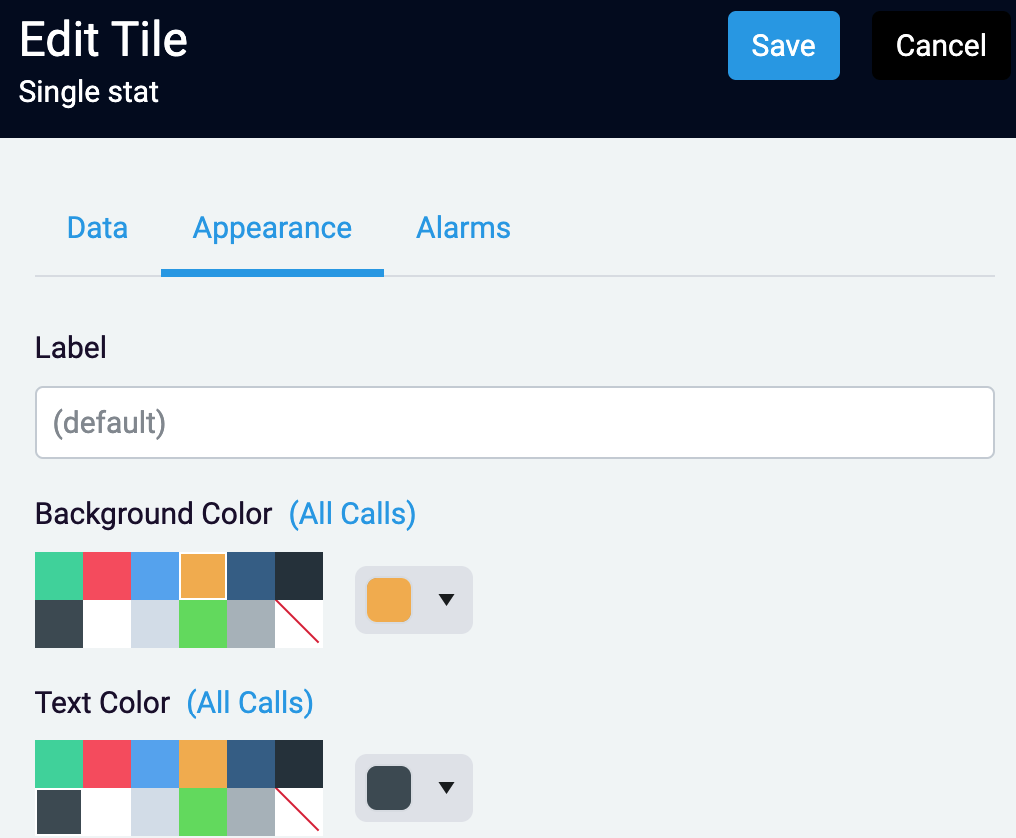 Change the background color, text color, and label on the Appearance tab
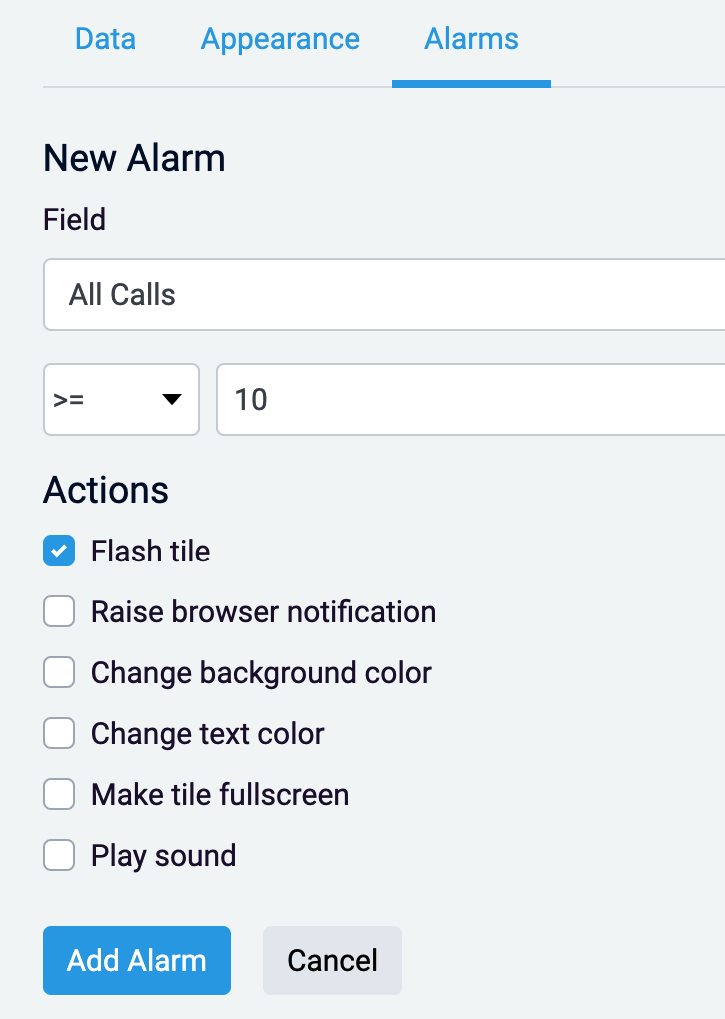 Create an alarm for your stat tile on the ‘Alarms’ tab. This will allow you to choose from multiple notifications/actions when your stat is more than, less than, or equals the number of your choosing.
### Editing the Appearance of your Dashboard
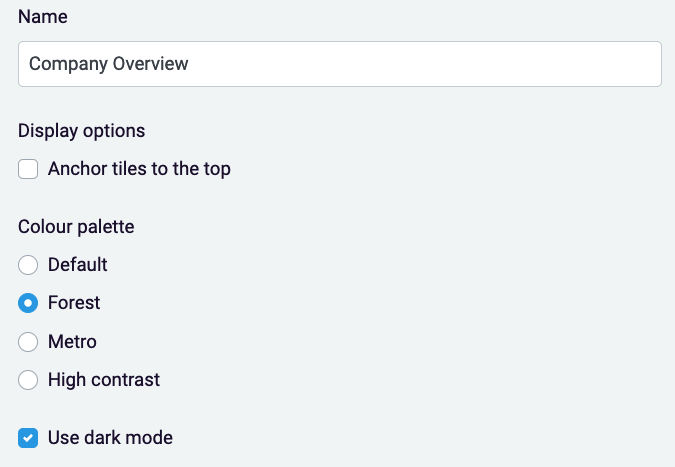
Click on the cog next to your dashboard dropdown to edit the color scheme for your dashboard.
Create an alarm for your stat tile on the ‘Alarms’ tab. This will allow you to choose from multiple notifications/actions when your stat is more than, less than, or equals the number of your choosing.
### Editing the Appearance of your Dashboard
Click on the cog next to your dashboard dropdown to edit the color scheme for your dashboard.

 Click on the lock in the top right of your screen to unlock the tiles to move and resize them freely

 ## Wallboards
Please note- depending on your plan, wallboards may be an extra monthly charge. If you would like to check, call our Account Management team at 888.825.0800 option 4, or experience@virtualpbx.com
## Wallboards
Please note- depending on your plan, wallboards may be an extra monthly charge. If you would like to check, call our Account Management team at 888.825.0800 option 4, or experience@virtualpbx.com
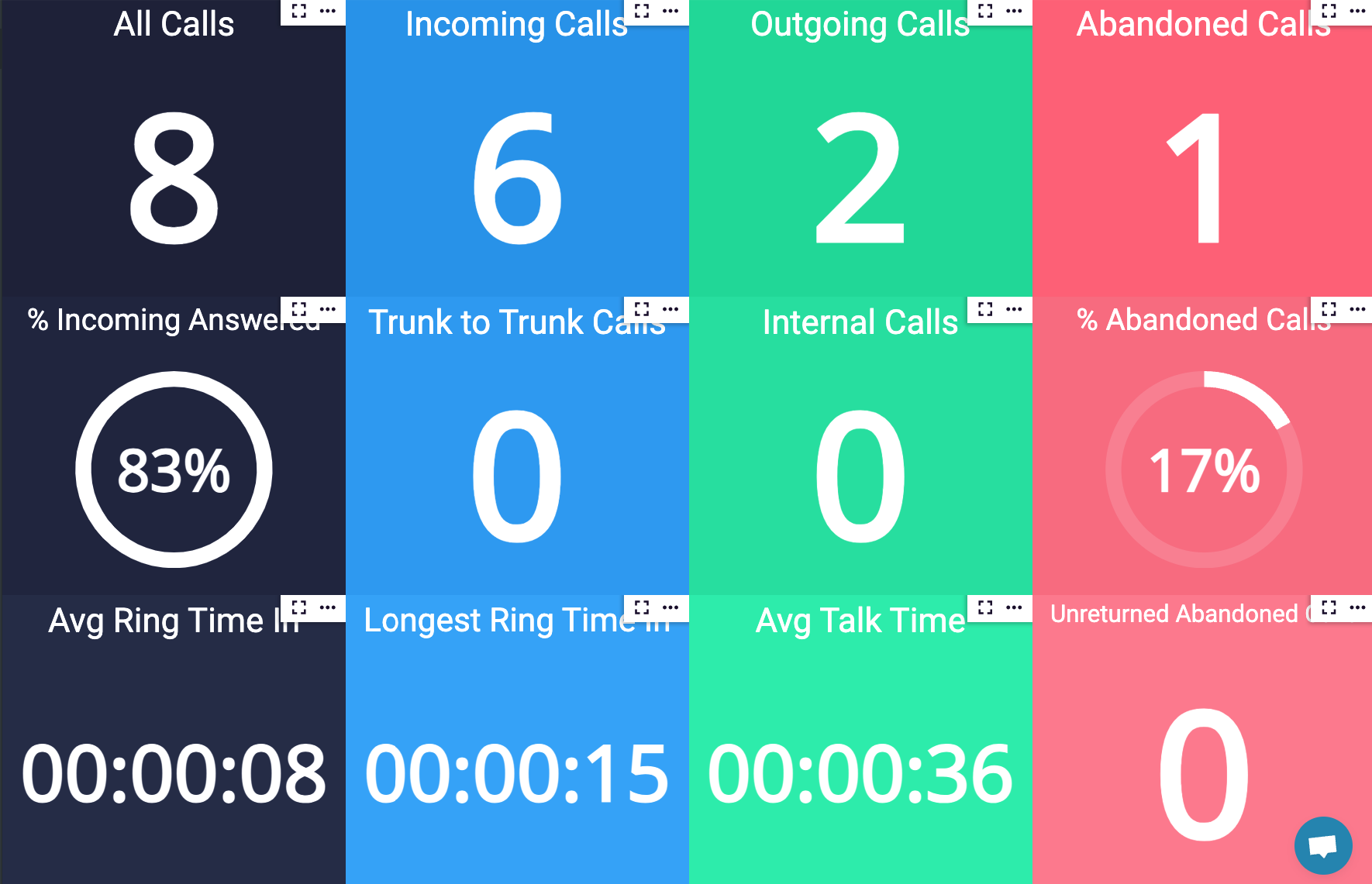
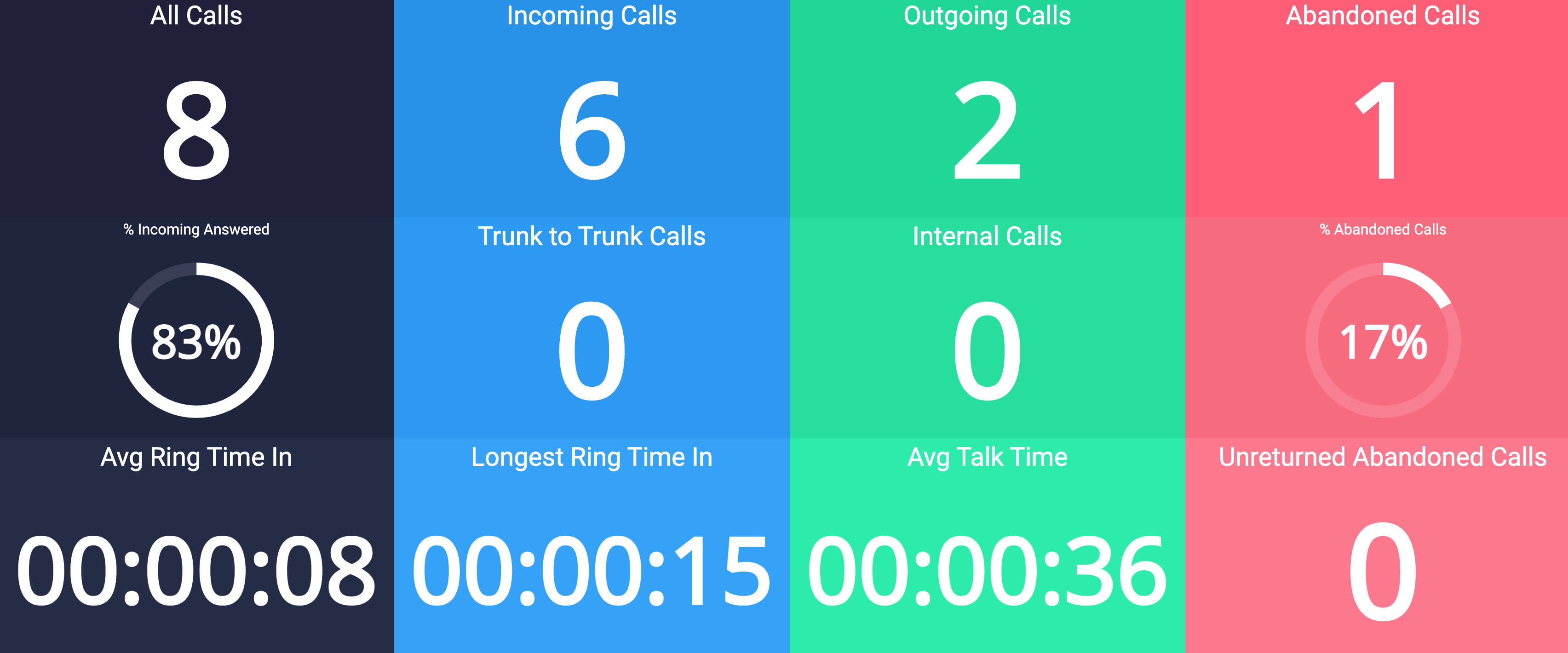 All tiles in your default wallboard are known as ‘Single Stat’. While Gauges are incorporated, all tiles will only show one piece of information.
### All Calls
All tiles in your default wallboard are known as ‘Single Stat’. While Gauges are incorporated, all tiles will only show one piece of information.
### All Calls
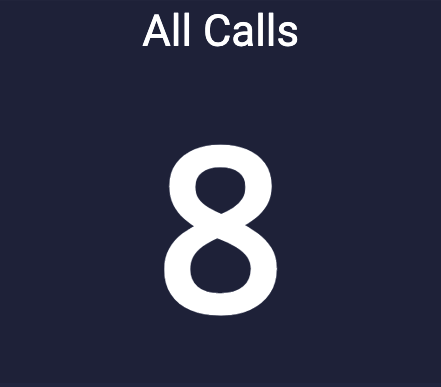 Track the total of all incoming and outgoing calls with a single stat tile.
### Incoming Calls
Track the total of all incoming and outgoing calls with a single stat tile.
### Incoming Calls
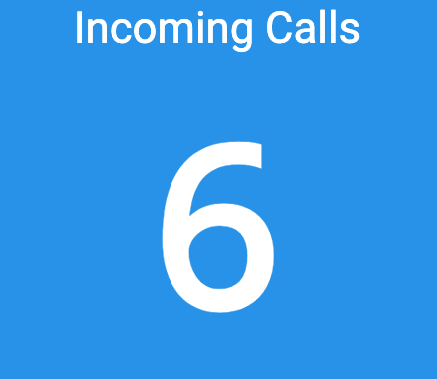 Track the total incoming calls to your account’s numbers
### Outgoing Calls
Track the total incoming calls to your account’s numbers
### Outgoing Calls
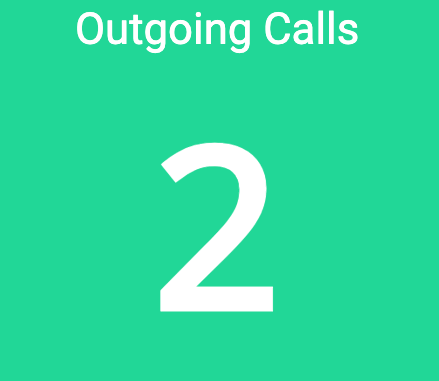 Track the total number of calls your agents/users made throughout the business day
### Abandoned Calls
Track the total number of calls your agents/users made throughout the business day
### Abandoned Calls
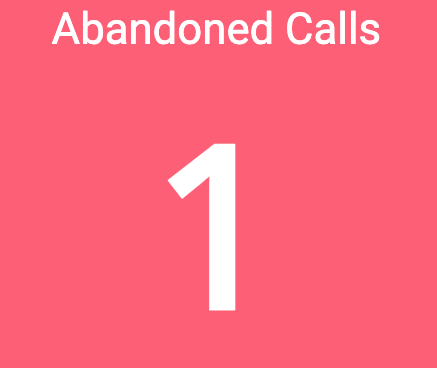 Track any calls where the caller ended the call while ringing to your agents, or while on hold.
### Incoming Answered Percentage
Track any calls where the caller ended the call while ringing to your agents, or while on hold.
### Incoming Answered Percentage
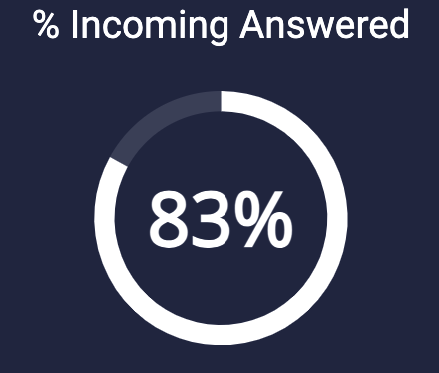 Out of 100%, track how many calls were answered by users/agents with a circular gauge
### Trunk-to-Trunk Calls
Out of 100%, track how many calls were answered by users/agents with a circular gauge
### Trunk-to-Trunk Calls
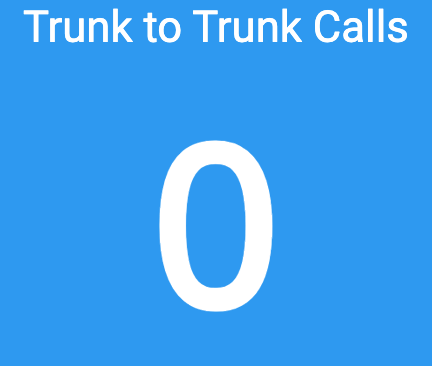 Track all calls that require connecting two external lines through the system.
### Internal Calls
Track all calls that require connecting two external lines through the system.
### Internal Calls
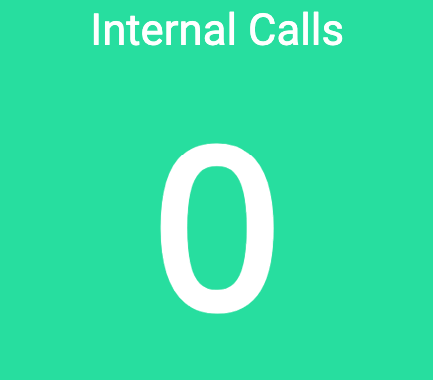 Track how many calls your agents/users made to each other throughout your business day
### Abandoned Calls Percentage
Track how many calls your agents/users made to each other throughout your business day
### Abandoned Calls Percentage
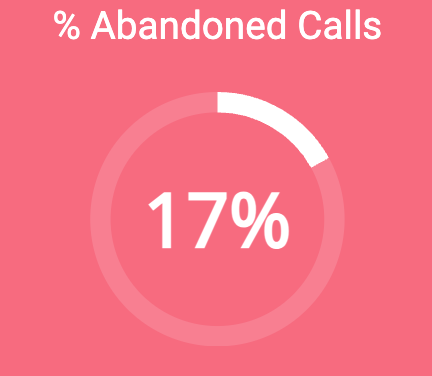 Track calls where the caller ended the call while ringing to your agents, or while on hold in percentage form
### Average Ring Time In
Track calls where the caller ended the call while ringing to your agents, or while on hold in percentage form
### Average Ring Time In
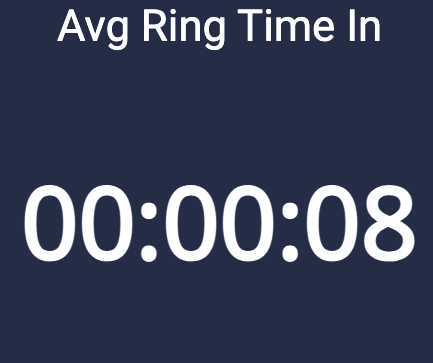 Track the average of the time customers spend ringing before an agent/user answers
### Longest Ring Time In
Track the average of the time customers spend ringing before an agent/user answers
### Longest Ring Time In
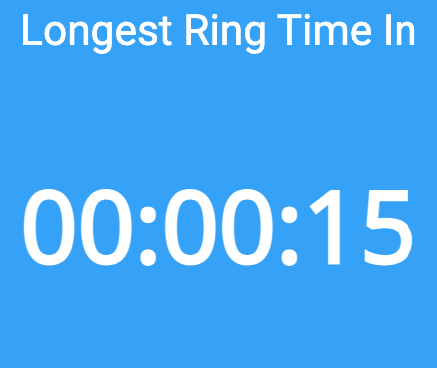 Track the longest time a customer spent ringing to a user/agent before the call is answered
### Average Talk Time
Track the longest time a customer spent ringing to a user/agent before the call is answered
### Average Talk Time
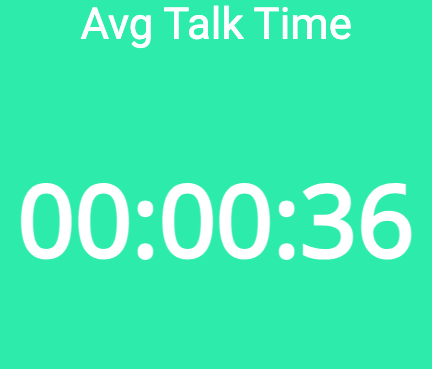 Track the average time inbound and outbound calls have taken over the business day
### Unreturned Abandoned Calls
Track the average time inbound and outbound calls have taken over the business day
### Unreturned Abandoned Calls
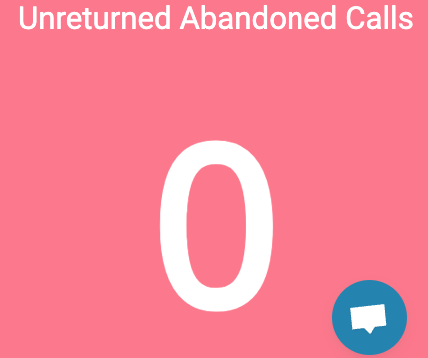 Track instances where customers have not been called back after users/agents missed their initial call
### Editing Tiles
For all tiles, you can edit the appearance, add a different label, and set alarms
Track instances where customers have not been called back after users/agents missed their initial call
### Editing Tiles
For all tiles, you can edit the appearance, add a different label, and set alarms
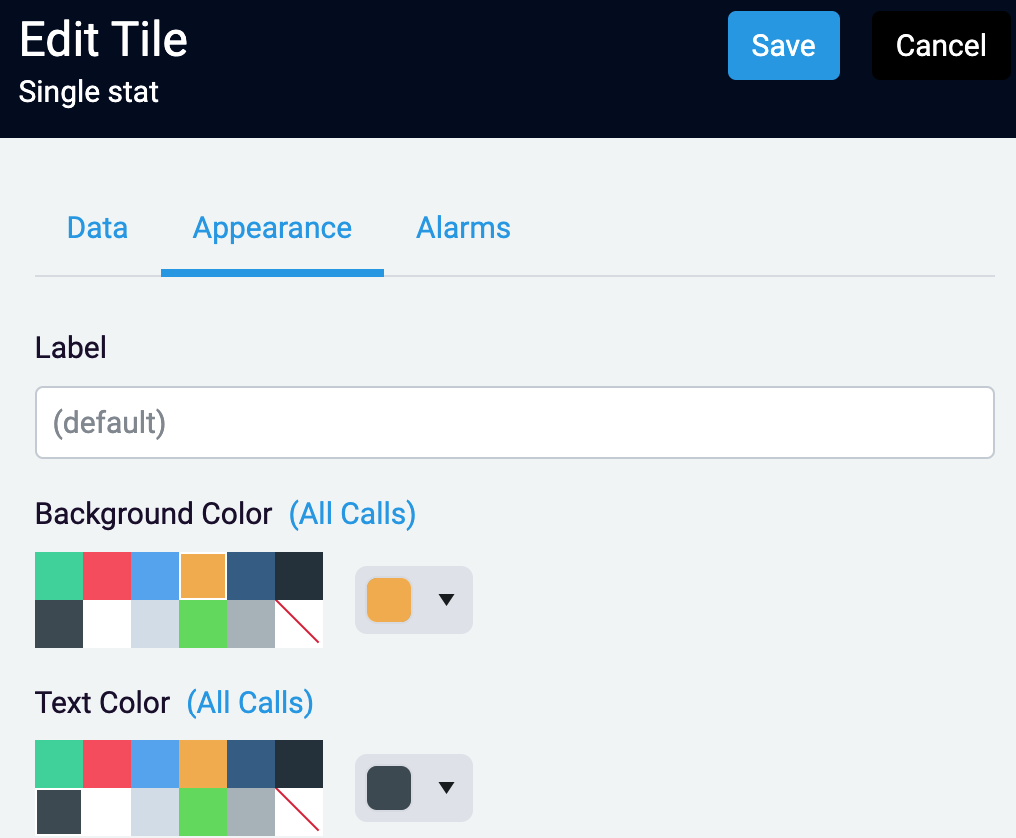 Change the background color, text color, and label on the Appearance tab
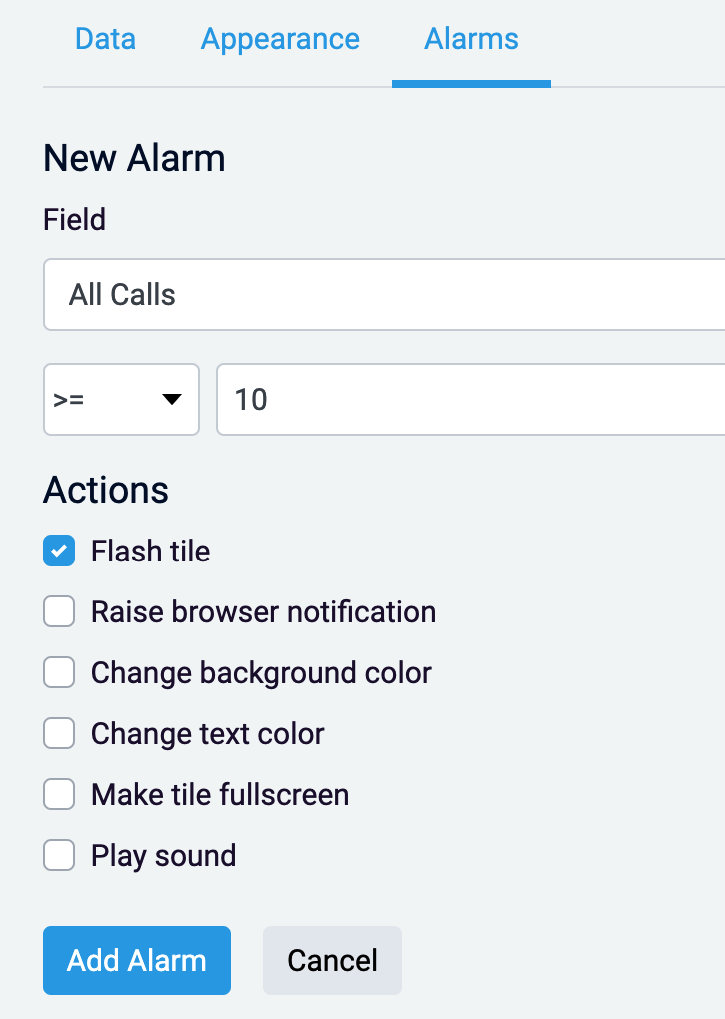 Create an alarm for your stat tile on the ‘Alarms’ tab. This will allow you to choose from multiple notifications/actions when your stat is more than, less than, or equals the number of your choosing.
### Editing Wallboard Appearance
Click on the cog next to your dashboard dropdown to edit the color scheme for your dashboard.
Create an alarm for your stat tile on the ‘Alarms’ tab. This will allow you to choose from multiple notifications/actions when your stat is more than, less than, or equals the number of your choosing.
### Editing Wallboard Appearance
Click on the cog next to your dashboard dropdown to edit the color scheme for your dashboard.

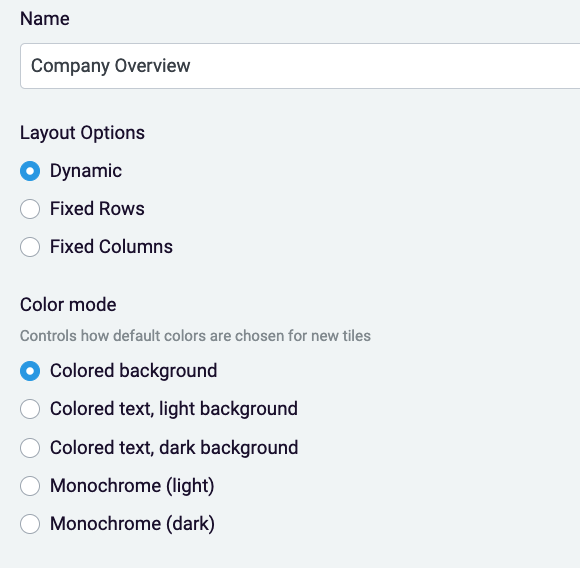 Click on the lock in the top right of your screen to unlock the tiles to move and resize them freely
 ## Reports
Reports are created to get specific analytics on your calls.
## Reports
Reports are created to get specific analytics on your calls.
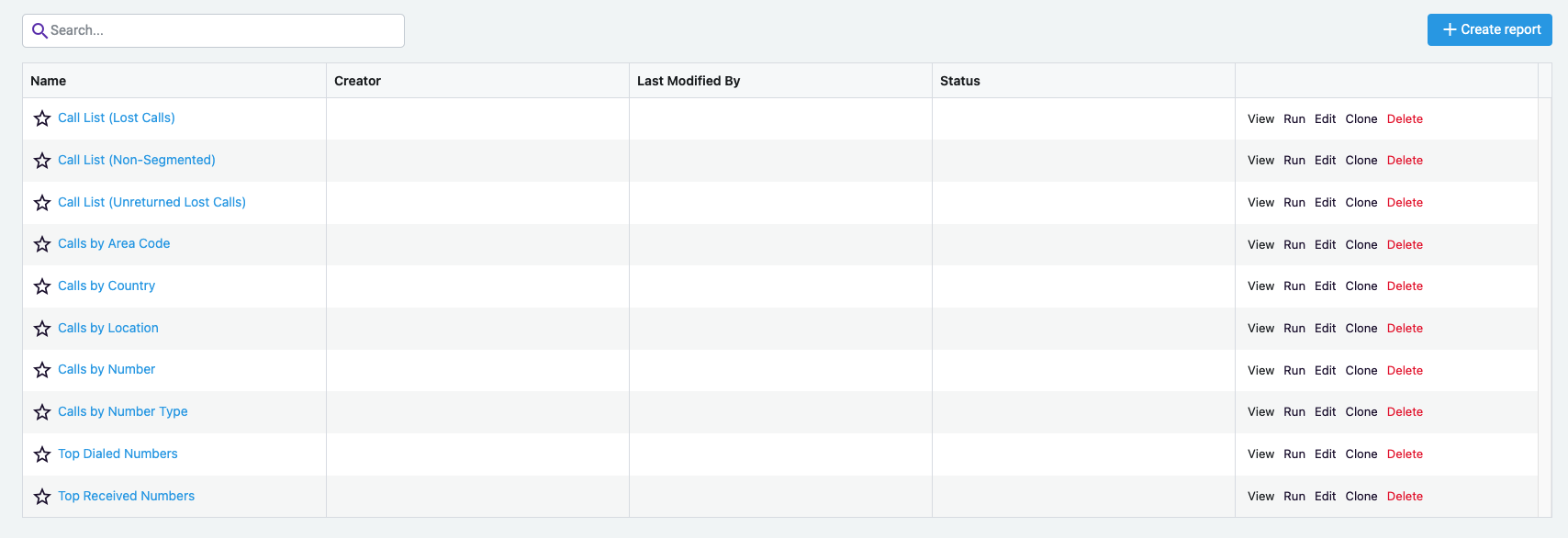 Default reports are listed below.
### Call List (Lost Calls)
Calls that have been abandoned or dropped
### Call List (Non-Segmented)
Only the total data for an entire call is displayed
### Calls by Area Code
Summary of the number of calls by area code
### Calls by Country
A summary of the number of calls by country
### Calls by Location
Summary of the number of calls by location
### Calls by Number
Call information grouped by the telephone number
### Calls by Number Type
Summary of the number of external calls by the type (local, national or international) of the call
### Top Dialed Numbers
Summary of calls based off of numbers dialed to
### Top Received Numbers
Summary of calls baed off of calls based off of the caller’s number
### Creating a New Report
Default reports are listed below.
### Call List (Lost Calls)
Calls that have been abandoned or dropped
### Call List (Non-Segmented)
Only the total data for an entire call is displayed
### Calls by Area Code
Summary of the number of calls by area code
### Calls by Country
A summary of the number of calls by country
### Calls by Location
Summary of the number of calls by location
### Calls by Number
Call information grouped by the telephone number
### Calls by Number Type
Summary of the number of external calls by the type (local, national or international) of the call
### Top Dialed Numbers
Summary of calls based off of numbers dialed to
### Top Received Numbers
Summary of calls baed off of calls based off of the caller’s number
### Creating a New Report
 Click ‘Create Report’ on the top of the page in the right corner.
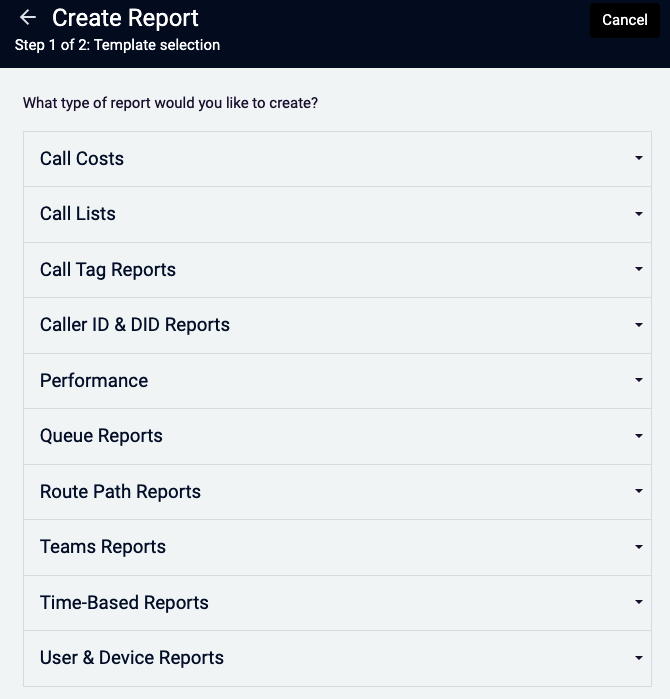 From here, you can decide which type of report you can run. Your options through insights are below.
### All Report Options
### Call Costs
From here, you can decide which type of report you can run. Your options through insights are below.
### All Report Options
### Call Costs
Call Cost by Number - Call data grouped by telephone number
Call Cost by Number Type- A summary of the number calls by type
Call List (Rated Calls Non-Segmented)
Call List (Abandoned Calls) - Displays incoming calls that were never answered
Call List (Non-Segmented) - Only the aggregate data for an entire call is displayed
Call List (Unreturned Abandoned Calls - no filter) - A list of abandoned calls that have not been successfully called back (with no filter applied to the return calls)
Call List (Unreturned Abandoned Calls) - A list of abandoned calls that have not been successfully called back.
Calls by Area Code - A summary of the number of calls by area code
Calls by Country - A summary of the number of calls by country
Calls by Location - A summary of the number of calls by location
Calls by Number - Call data grouped by telephone number
Calls by Number Type - A summary of the number of external calls by the type (Local, National, or International) of the call
Top Dialed Numbers - A summary of the number of outgoing calls by telephone number
Top Received Numbers - A summary of the numbers of incoming calls by telephone number
Teams Call List - Call list of Teams calls